Printer Compatibility & Maintenance: How to Test Paper Feed Reliability
Paper feed issues are one of the most common frustrations for printer users. Misfeeds, jams, and double feeds can disrupt printing, waste supplies, and even damage your printer. Understanding how to test paper feed reliability is essential for maintaining consistent performance and reducing downtime.
1. Why Paper Feed Reliability Matters
Reliable paper feeding ensures smooth printing, accurate alignment, and prevents costly repairs. Poor paper feed can result from:
- Incompatible paper type or weight
- Humidity or moisture in the paper stack
- Worn or dirty rollers
- Overloading the paper tray
2. Preparing for a Paper Feed Test
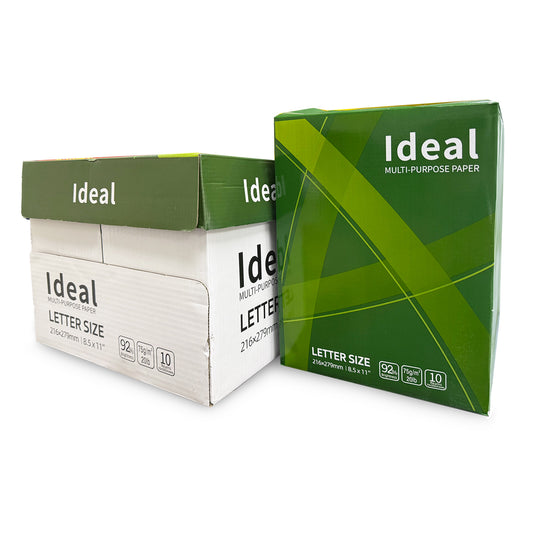
- Use the Recommended Paper: Check your printer manual for the suggested weight, finish, and size.
- Check Paper Condition: Ensure sheets are flat, clean, and free of bends, curls, or moisture.
- Adjust Tray Settings: Match the tray guides to the paper size for proper alignment.
- Clean Rollers: Wipe rollers with a lint-free cloth or follow manufacturer instructions for maintenance.
3. Steps to Test Paper Feed Reliability
- Single Sheet Test: Feed one sheet at a time to ensure the rollers can grab and feed paper smoothly.
- Multiple Sheet Test: Load 10–20 sheets and print a test page to simulate normal printing conditions. Observe for jams, misfeeds, or double feeds.
- Repeat Across Paper Types: Test standard copy paper, premium paper, envelopes, and labels to ensure compatibility.
- Document Results: Note any consistent issues with paper type, tray alignment, or environmental conditions.
4. Tips for Improving Paper Feed Reliability
- Store paper in a cool, dry location to prevent humidity-related curling or sticking.
- Do not exceed the maximum tray capacity specified by the printer.
- Fan paper before loading to prevent multiple sheets sticking together.
- Regularly clean or replace feed rollers according to manufacturer guidelines.
- For critical printing, test a small batch before large print jobs to avoid waste.
5. Conclusion
Testing paper feed reliability is a simple but effective way to prevent jams, misalignments, and printer damage. By using compatible paper, preparing sheets correctly, and performing regular maintenance, you can ensure smooth, efficient, and reliable printing every time. A small investment in preparation saves time, reduces frustration, and prolongs the life of your printer.