How Do I Replace a Thermal Paper Roll?
Running a busy checkout or retail operation means that thermal paper rolls in your POS system will eventually run out. Knowing how to quickly and correctly replace them is essential for maintaining smooth transactions and avoiding frustrating interruptions for staff and customers. At MilaMima, we supply high-quality, BPA-free thermal paper rolls for Moneris, Square, Clover, and Verifone systems across Canada. This guide will help you replace a roll efficiently and safely.
What You’ll Need:
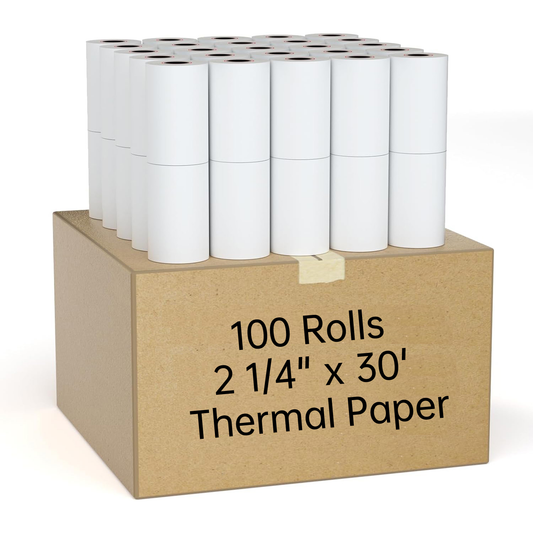
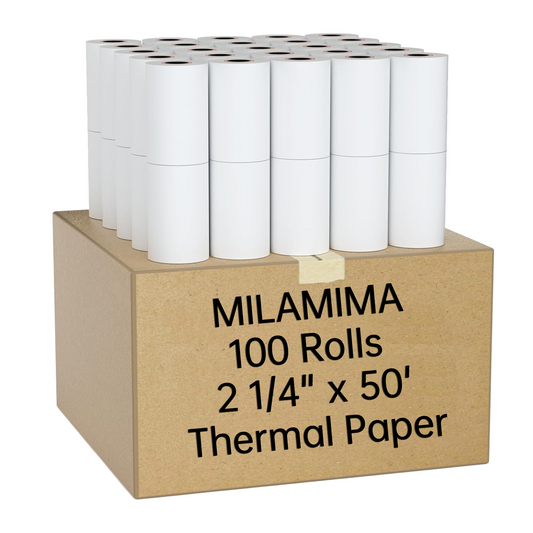
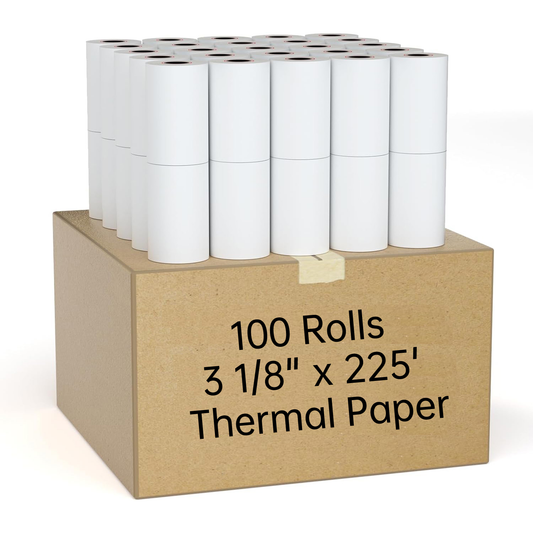
- A new MilaMima thermal paper roll of the correct size for your POS system. Common sizes include 2 ¼" (57mm) for Moneris terminals and 3 1/8" (80mm) for Square or Clover systems.
- Access to your POS terminal’s printer compartment.
Step-by-Step Guide to Replacing a Thermal Paper Roll
- Open the Printer Cover: Locate the release latch or button on the POS terminal. Press firmly to open the cover. Most modern units use a simple “drop-in” mechanism, making replacement quick and easy.
- Remove the Empty Roll: Take out the used roll and any remaining cardboard core. Check the paper path for scraps or debris that could cause jams.
- Insert the New Roll: Ensure the thermal side of the paper faces the printer head (the shiny or smooth side up). Roll the paper over the top so it feeds smoothly through the printer.
- Close the Printer Cover: Pull the paper tail taut and close the lid firmly until it clicks. Your POS system may automatically cut the excess paper or you can use the tear bar if included.
- Test Print: Run a test transaction or use the printer’s test function to ensure the paper feeds correctly and prints clearly.
Pro Tips for Smooth Operation
- Keep Spare Rolls Handy: Always store extra rolls near the register to avoid downtime during busy periods.
- Check Paper Orientation: Thermal paper only prints on one side. Using the wrong side can result in blank receipts.
- Use BPA-Free Paper: Protect employees who handle receipts frequently by choosing BPA-free thermal rolls from MilaMima.
- Regular Maintenance: Clean the printer head periodically to ensure consistent print quality and prevent jams.
Additional Resources
Replacing a thermal paper roll is quick and simple once you know the correct steps. By following best practices and using high-quality BPA-free paper from MilaMima, you can prevent downtime, maintain professional receipts, and keep your staff and customers happy.